5 WhatsApp Marketing Software Tools for Support Ticket Reduction
Your support team is drowning in repetitive WhatsApp questions, and every manual reply burns time you could spend closing deals. Most customer service tools treat messaging as an afterthought, leaving your agents juggling tabs and copy-pasting answers.
This article walks you through five WhatsApp marketing platforms that actually cut ticket volume, from AI chatbot builders to unified inboxes. You'll get concrete criteria for evaluating automation, multi-channel management, and pricing, plus a clear #1 pick for most businesses.
What to Look For in WhatsApp Marketing Tools for Support Ticket Reduction
To cut support tickets, your WhatsApp tool must automate repetitive queries, unify channels, and route intelligently, here's what to prioritize. The right platform does more than send broadcasts, it deflects issues before they ever reach an agent.
Start with the core pillars that directly impact your ticket volume. These five criteria separate a simple messaging app from a true customer support automation engine:
- Automation and AI for instant, accurate responses to common questions
- Omnichannel support so no conversation gets lost across platforms
- Message routing to send complex cases to the right human expert
- Helpdesk integration so your existing ticketing system stays in sync
- Self-service options that let customers resolve issues on their own
Each feature works together to shrink your agent workload. A tool that excels in only one area, like basic automation, will leave gaps in your support queue management.
Automation Capabilities and AI-Powered Responses
Automation that understands intent and answers FAQs instantly is your first line of defense against ticket spikes. Modern AI-powered responses use natural language processing and intent recognition to grasp what a customer actually needs, not just match keywords.
Keyword detection catches obvious triggers like "refund" or "status," but true ticket deflection requires deeper understanding. The best chatbot for WhatsApp handles conversational phrasing, so a customer typing "where is my order" gets the same instant answer as someone who asks "tracking info please."
Visual bot builders let you map out these conversation flows without writing code. You can create branching paths for common scenarios and connect them to message templates for consistent, on-brand replies.
Practical examples of repetitive queries that automation deflects include:
- Order status and shipping updates
- Business hours and location details
- Password resets and account access issues
- Return and exchange policies
- Billing questions and invoice requests
FAQ automation works best when it offers escalation as a fallback. When the bot detects frustration or an unrecognized query, it should smoothly hand off to a live agent, keeping your first response time low while protecting the customer experience.
Unified Inbox and Multi-Channel Management
A unified inbox that aggregates WhatsApp, Facebook, and Instagram messages prevents tickets from slipping through the cracks. When agents toggle between separate apps, responses slow down and conversations get duplicated or lost entirely.
Shared inboxes give your whole team visibility into every active conversation. This multi-agent support model means anyone can pick up a pending chat, reducing your response time reduction goals from hours to minutes.
Omnichannel support also improves your resolution rate because agents see the full context. A customer might ask a question on WhatsApp, then follow up on Instagram, and your team should recognize that as one continuous thread.
Prioritization features let you sort by urgency, customer value, or wait time. High-priority tickets jump the queue while routine chats wait for the next available agent.
Ticket deflection improves naturally when agents stop re-asking for basic information. The unified view shows past interactions, purchase history, and previous resolutions, so the agent workload drops even for complex cases that require human help.
Look for tools that sync this inbox with your existing ticketing system. When a WhatsApp conversation converts into a tracked ticket, your support queue management stays organized and your customer satisfaction score benefits from faster, more coherent answers.
1. Com.bot - Best Overall
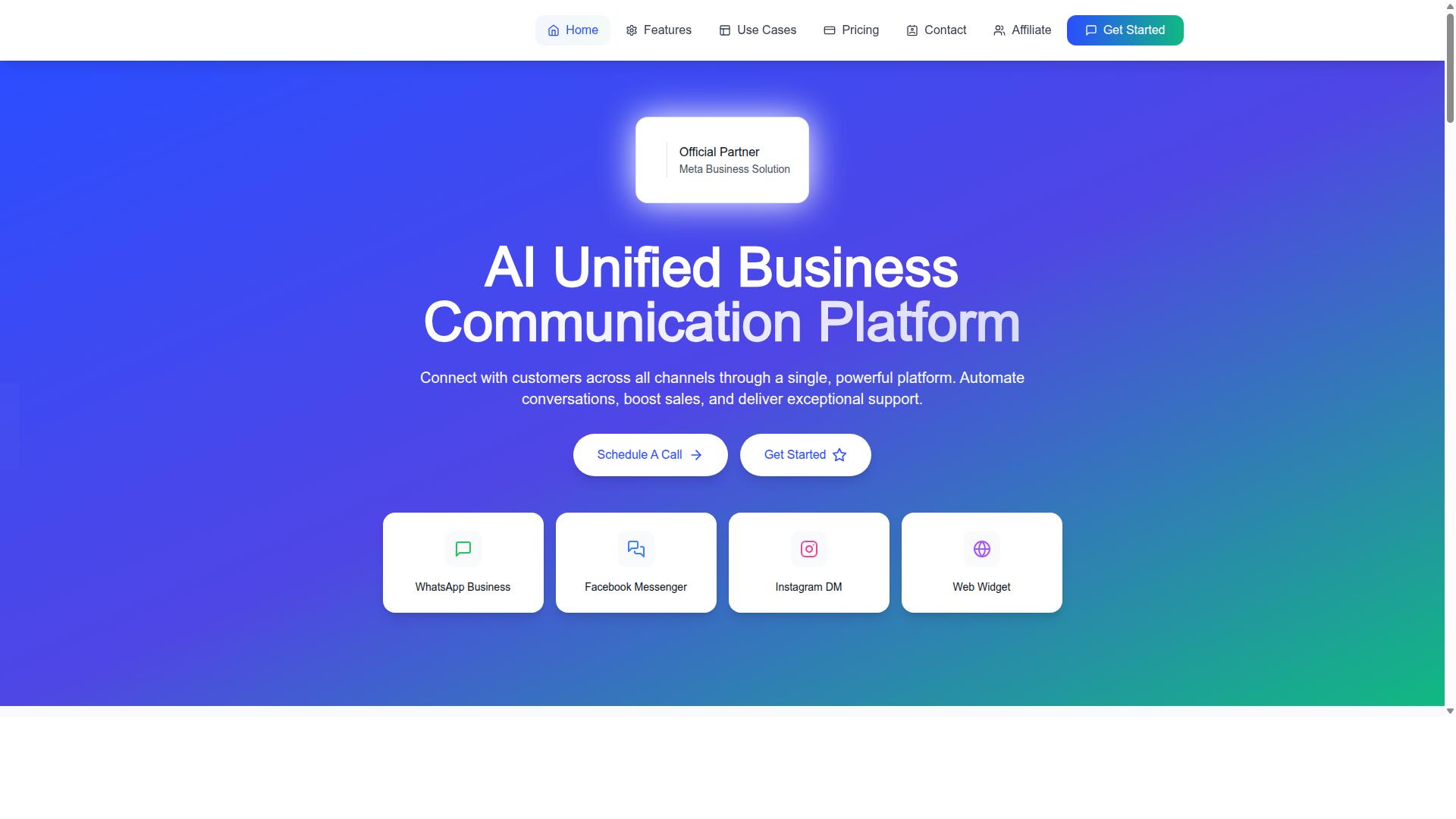
Com.bot stands out as the best overall WhatsApp tool for reducing support tickets, thanks to its AI chatbots and unified inbox. As an Official Meta Business Partner with direct WhatsApp Business API integration, it brings enterprise-grade reliability to every conversation.
The platform processes 25M+ messages per day for 23,000+ active customers, including 100+ government bodies and 500+ global partners. That scale means the infrastructure is battle-tested for high-volume support environments where ticket deflection matters most.
Com.bot connects WhatsApp Business, Facebook Messenger, Instagram DM, and Web Widget through a single platform. This omnichannel support approach keeps every customer conversation in one place, so agents resolve issues faster and fewer tickets ever get created.
AI Chatbots and Visual Bot Builder for Deflecting Repetitive Queries
Com.bot's visual bot builder lets you create AI chatbots that deflect repetitive queries before they ever reach an agent. The drag-and-drop interface makes FAQ automation accessible even for teams without technical expertise.
With 100K+ bots already created on the platform, the pattern is proven. Teams build self-service options that answer common questions instantly, cutting first response time dramatically and reducing ticket volume at the source.
The AI-powered responses handle routine inquiries like order status, business hours, and pricing questions. This frees your human agents to focus on complex issues that genuinely need their attention, lowering agent workload across the board.
Unified Team Inbox and Native Payments
Com.bot's unified team inbox brings all conversations into one place, while native payments streamline transactions without leaving the chat. This shared inbox supports multi-agent support with role-based access, so your whole team collaborates efficiently.
The native payments feature is a major friction reducer. Customers complete transactions inside WhatsApp instead of jumping to external portals, which eliminates a common source of confusion and follow-up tickets.
Message routing and keyword detection help direct conversations to the right agent or bot automatically. Combined with external integration options and 1000+ automation builder integrations, Com.bot resolves issues faster and keeps your support queue manageable, boosting resolution rate and customer satisfaction scores.
2. Wati
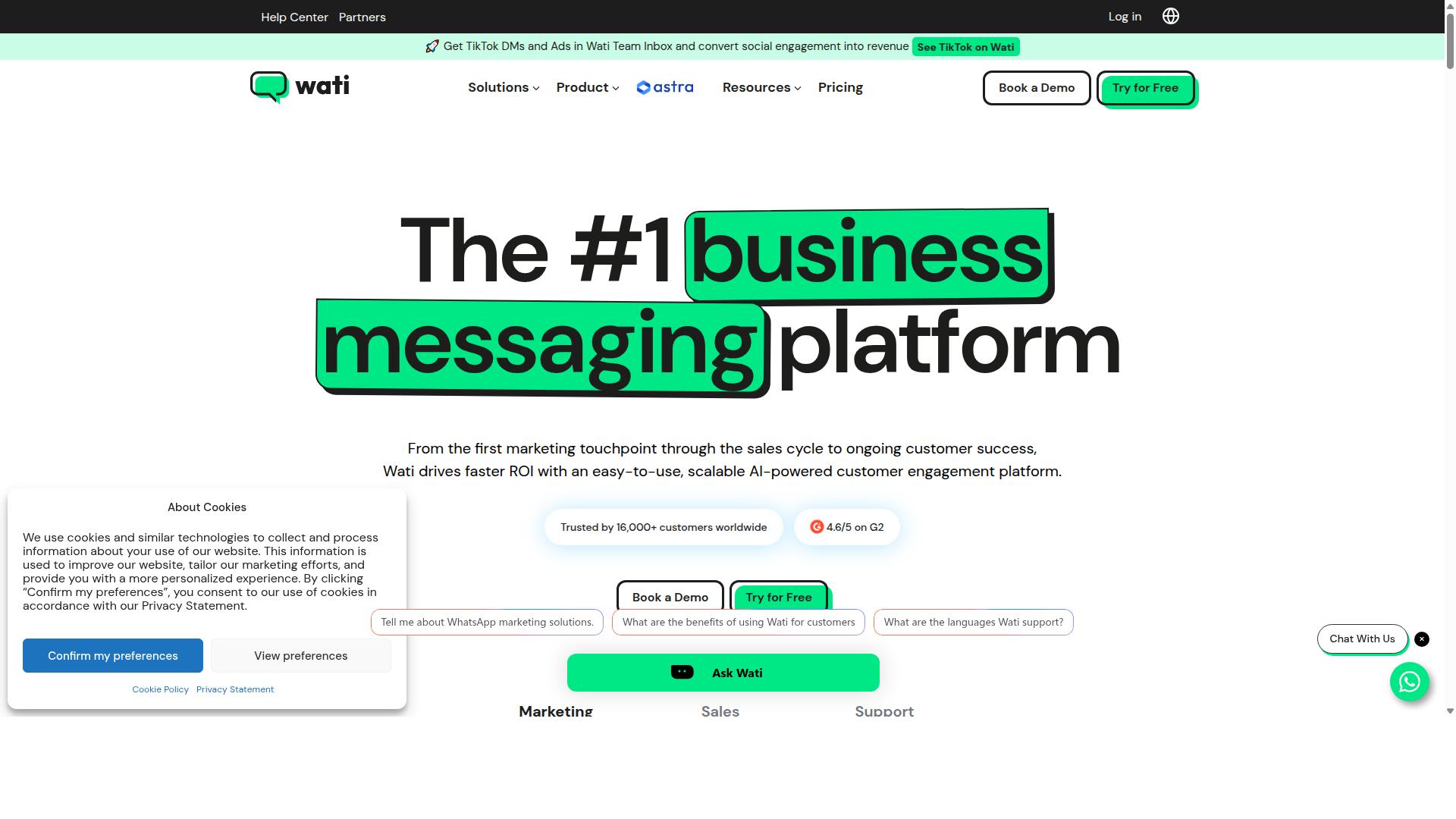
Wati is a strong contender for businesses that rely on pre-built templates and proactive broadcasts to reduce incoming tickets. It is positioned as an SMB-friendly WhatsApp marketing tool that makes the WhatsApp Business API accessible without heavy technical lift.
Wati has been noted as "Top Trending" on G2 with a 4.6 rating, which points to solid user satisfaction. Fast onboarding and broadcast campaign capabilities are frequently highlighted as strengths, though some users mention sync delays as a drawback.
For small to mid-sized businesses, Wati offers a practical blend of marketing reach and support functionality. It includes automated replies, broadcast tools, and team support features designed to keep customer conversations manageable.
Pricing is listed from approximately $49 per month, which positions it as an accessible entry point for growing teams. This makes Wati a reasonable choice when you need a straightforward path to WhatsApp Business API adoption.
Pre-Built Templates and Broadcast Features for Proactive Support
Wati's pre-built templates and broadcast features let you send proactive updates that prevent common support tickets. Order confirmations, shipping notifications, and appointment reminders can reach customers before they ever think to ask.
Message templates serve a dual purpose in this workflow. They keep your communications compliant with WhatsApp's policies, and they standardize the information customers receive so every update looks consistent.
Broadcasts work well for time-sensitive announcements like service outages or policy changes. Instead of waiting for customers to flood your support queue, you push the answer directly to their phones.
This proactive approach reduces agent workload by deflecting routine inquiries before they become tickets. When customers already have the information they need, first response time improves because your team handles fewer repetitive questions.
For best results, pair Wati's templates with your most frequent FAQ topics. You can address the top five questions customers ask, and the broadcast feature delivers those answers at scale without manual effort.
3. Twilio
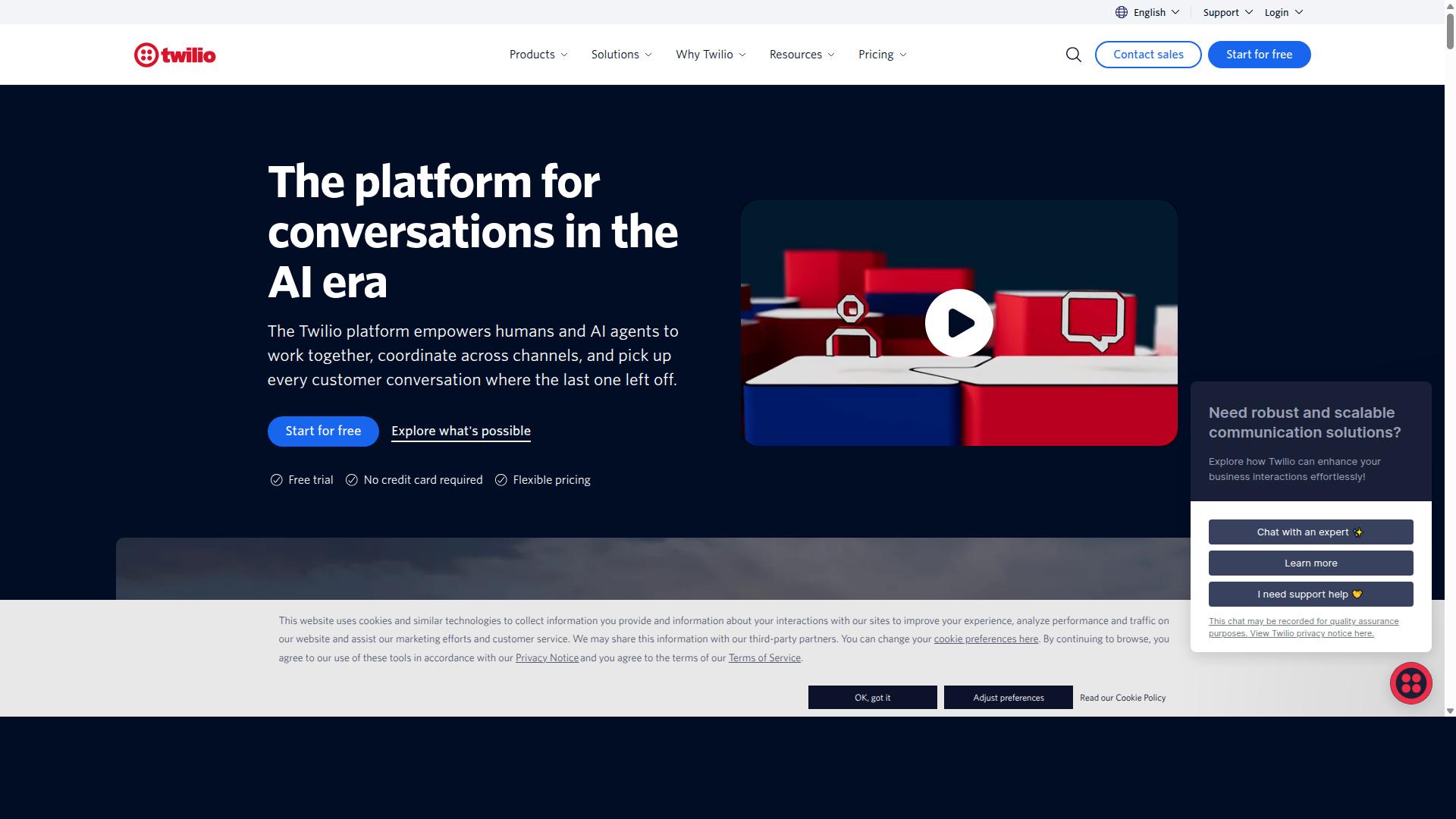
Twilio is the go-to for developers who want full control over their WhatsApp support workflows via API. It is a communication powerhouse that provides the WhatsApp API for businesses building custom messaging solutions.
This platform is not a plug-and-play chatbot for WhatsApp. Instead, it gives your engineering team the building blocks to construct exactly what your support operation needs.
The tradeoff is clear. You get maximum flexibility, but you also take on the responsibility for development, maintenance, and ongoing optimization.
Developer-First API for Custom Support Workflows
Twilio's API allows you to build custom routing and ticketing integrations that perfectly match your support workflow. Your team can connect it directly to your existing CRM integration or ticketing system, creating a support queue management process that fits your exact specifications.
Advanced message routing becomes possible through custom code. You can set up keyword detection, intent recognition, and natural language processing rules that determine how each incoming message is handled.
For example, you might build a system that automatically identifies order status questions and sends message templates with tracking information. More complex inquiries could be routed to specific agents based on their skills or current agent workload.
There is a significant learning curve with Twilio. Your team needs solid development resources to build and maintain these integrations, and API rate limits require careful management.
This approach suits organizations with dedicated technical staff. If your priority is a fully customized support automation system and you have the engineering capacity, Twilio offers unmatched control. However, the time and cost of building from scratch can be substantial, especially compared to ready-made WhatsApp marketing software tools.
4. Bird (formerly MessageBird)
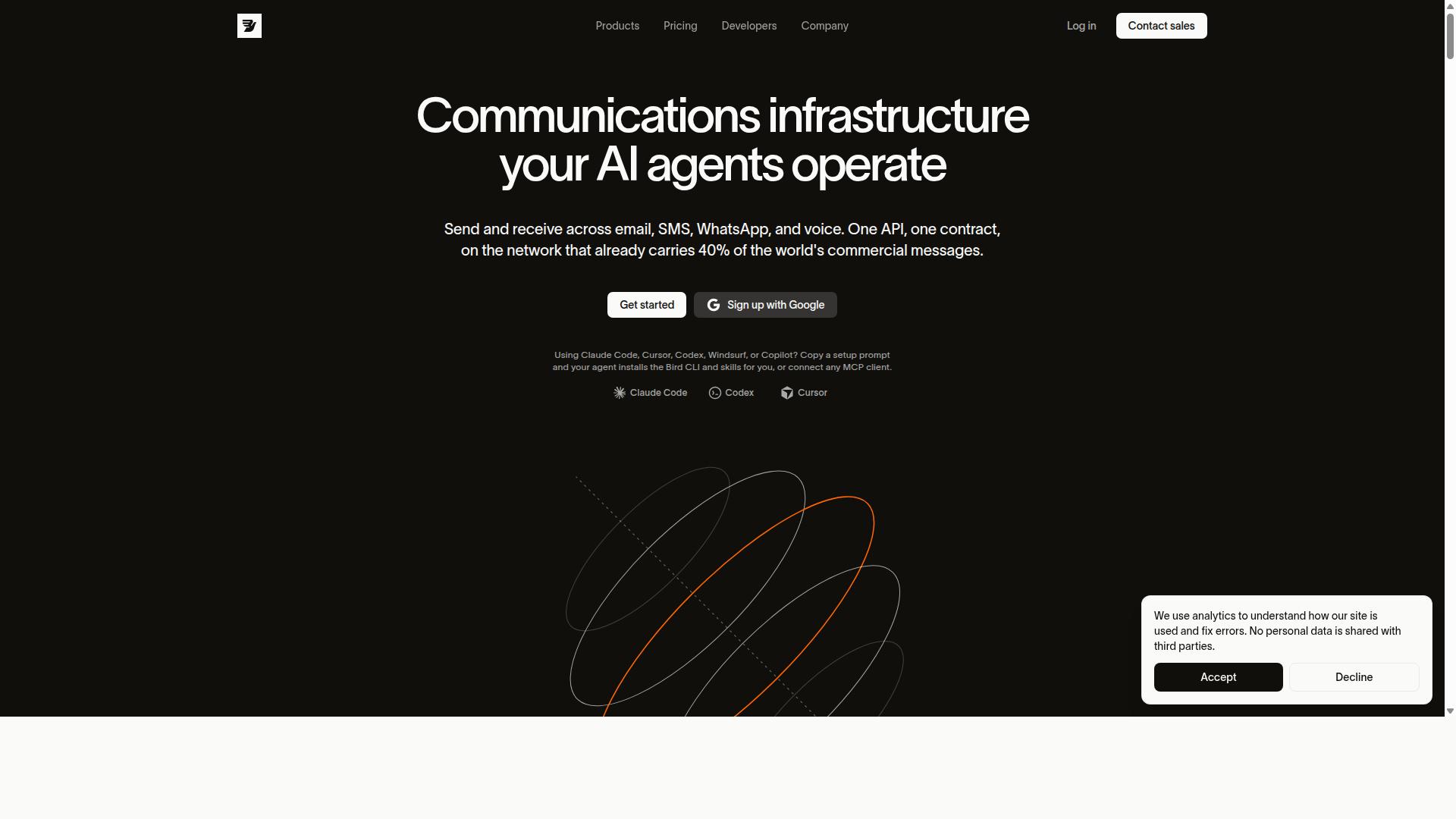
Bird excels at omnichannel routing and ticketing integrations, making it a solid choice for enterprises with complex support needs. The platform positions itself as a unified communications hub where customer conversations flow through a single, organized system.
Bird is often described as a CRM with a built-in WhatsApp marketing tool, which highlights its dual focus on engagement and service. For teams already using a CRM, this integration layer can reduce the friction of switching between systems.
Large organizations with high message volumes typically benefit most from Bird's architecture. The platform is built to handle scale, which is essential when support queues grow across multiple departments and regions.
Omnichannel Routing and Ticketing Integrations
Bird's omnichannel routing ensures messages from any channel land in the right queue, while its ticketing integrations keep agents organized. This approach helps reduce response times because nothing gets lost between WhatsApp, email, or social channels.
When a customer sends a message through WhatsApp, the system can identify the conversation and route it to the appropriate agent or team. This message routing capability prevents duplicate work and keeps the support queue management process clean.
Ticketing integrations allow support teams to attach WhatsApp conversations to existing cases in their helpdesk. This creates a clear audit trail and makes it easier to track resolution rate and agent workload over time.
For enterprises juggling multiple tools, Bird's strength lies in unifying conversations rather than replacing every system. The platform works alongside existing CRM integration and ticketing software to centralize customer interactions.
Teams that need multi-agent support on a single conversation will find Bird's shared inbox approach practical. It enables collaboration without losing context, which is critical for complex tickets that require input from several specialists.
5. AiSensy
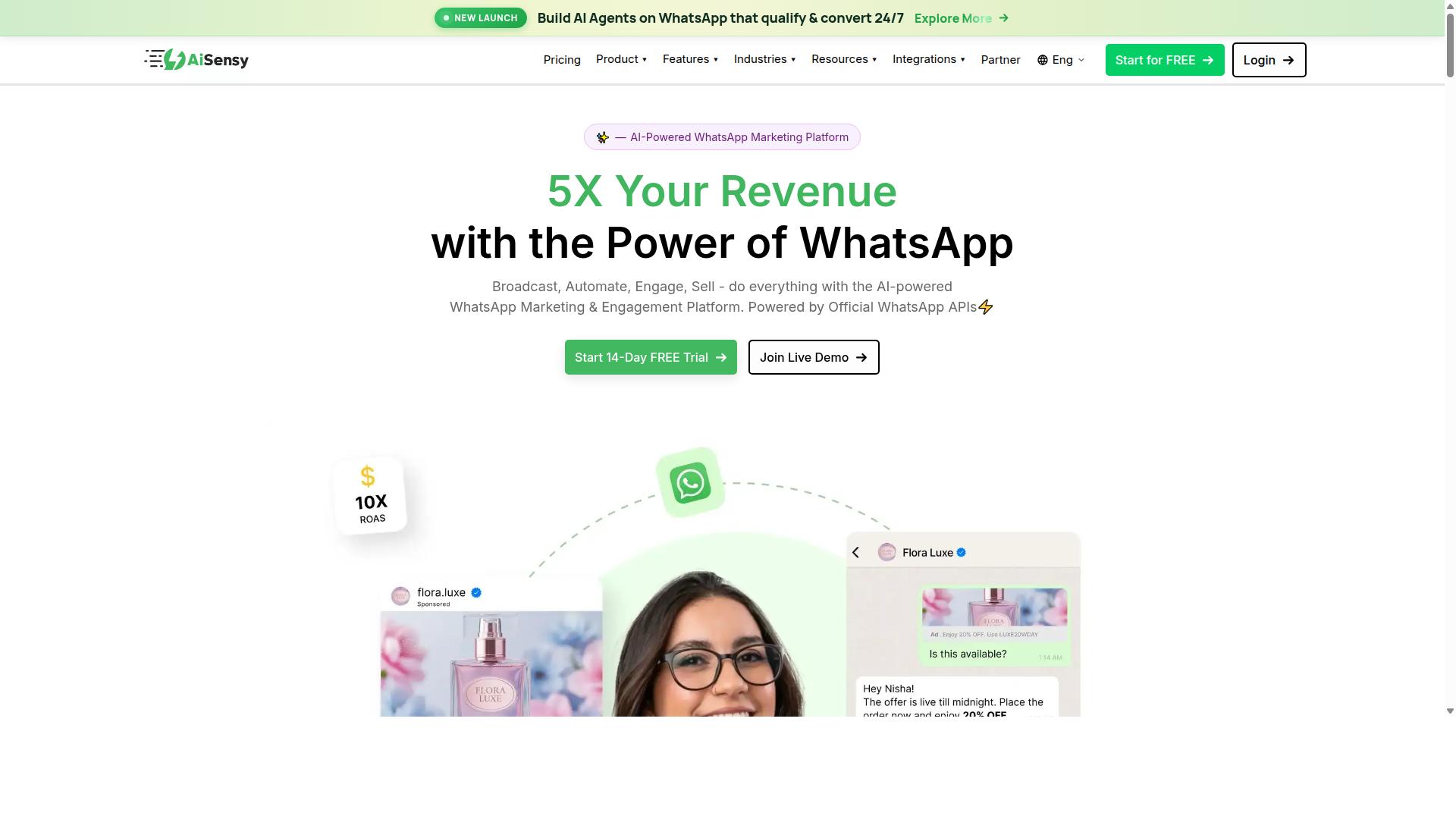
AiSensy offers a budget-friendly way to automate WhatsApp support with quick replies and catalogs. It is often described as intelligent software for WhatsApp marketing, making it a practical choice for small businesses that want results without a steep learning curve.
This platform focuses on making customer support automation approachable for teams that do not have dedicated developers. The setup process leans on templates and simple configuration, so staff can manage conversations without technical training.
For businesses that receive a steady flow of repetitive questions, AiSensy provides a low-risk entry point into WhatsApp automation. Its strength lies in accessibility, letting small teams reduce their support queue management burden quickly.
While it may not offer the deepest customization of enterprise tools, the ease of use is a major advantage. Teams can go from setup to active response time reduction within a short window, which matters when every ticket counts.
WhatsApp Catalogs and Quick Reply Automation
AiSensy's WhatsApp catalogs and quick reply automation let customers self-serve product info, cutting down on repetitive tickets. Instead of asking an agent about pricing or availability, buyers can browse catalog entries directly inside the chat window.
This approach supports self-service options that deflect common inquiries before they ever reach a human agent. Product descriptions, images, and key details are visible up front, which reduces the volume of basic questions.
Quick replies work from a template-based approach that covers frequent scenarios like shipping status, business hours, or return policies. When a customer's message matches a known pattern, the system responds with the appropriate message templates instantly.
This combination is especially effective for FAQ automation. Standard questions get immediate answers, while more complex issues route to a live person, improving agent workload distribution without sacrificing quality.
For small teams, the practical benefit is clear: fewer repetitive chats, faster first response time, and more time for conversations that actually need human judgment. The catalog feature also doubles as a lightweight sales tool, which adds value beyond support alone.
How to Choose the Right Option
Choosing the right tool depends on your team size, technical resources, and budget, here's how to weigh the trade-offs. Start by counting how many agents will handle WhatsApp conversations daily. A small team with two support reps needs a different setup than a contact center with fifty agents.
Next, assess your technical expertise honestly. Some tools require developer involvement for setup, while others offer no-code builders that marketers can manage. If your team lacks coding skills, prioritize platforms with visual automation builders and pre-built message templates.
Your ticket volume determines which features matter most. High-volume operations need robust FAQ automation and AI-powered responses to deflect repetitive questions. Lower-volume teams can manage with a simple shared inbox and manual replies.
Consider your CRM integration needs early in the process. Support tools that sync customer context from your CRM reduce agent workload significantly. Ask each vendor how their helpdesk integration works before committing to a trial.
Finally, match the tool to your business goals. A startup focused on response time reduction might start small and scale later. An enterprise with compliance requirements needs enterprise-grade security and multi-agent support from day one.
Pricing Comparison and Scaling Considerations
Compare pricing tiers and scaling costs, Com.bot's Silver Plan starts at $149 per quarter, while others charge per agent or message. Com.bot structures pricing by plan level rather than per-seat fees, which keeps costs predictable as your team grows.
Com.bot offers three main tiers to match different business stages. The Silver Plan at $149 per quarter suits small teams testing WhatsApp automation. The Gold Plan at $349 per quarter is recommended for growing businesses, and the Platinum V1 at $2500 per quarter targets enterprises with high-volume demands.
Scaling costs matter beyond the base plan. Com.bot charges $10 per month for additional team members, social channels, external actions (per 5000), bot triggers (per 25000), and ecom stores. This modular approach lets you pay only for what you actually use.
Watch for hidden fees in competitor pricing models. Per-message pricing can spike unpredictably during peak seasons. Per-agent pricing punishes you for hiring more support staff. Com.bot's flat-tier structure avoids both pitfalls.
Consider API rate limits when projecting growth. Some tools throttle message volume at lower price points, forcing upgrades. Ask vendors about their limits and whether they align with your peak traffic expectations.
Com.bot also offers dedicated support at $49 per hour for WABA, CRM, and Inbox assistance, and $99 per hour for Ecommerce, Bots, and Automations. WhatsApp messaging runs at actual Meta rates with no markup, keeping your support queue management costs transparent.
Factor in message templates and click-to-WhatsApp ads costs when comparing platforms. Some tools bundle these services, while others charge separately. A tool that appears cheaper upfront may cost more once you add essential features.
Finally, project your costs at three growth stages: current, six months, and two years. The right tool should accommodate additional team members without forcing a plan jump. Com.bot's add-on structure supports gradual scaling, so you upgrade only when your agent workload justifies it.
Final Verdict
For most businesses, Com.bot is the best overall choice to slash support tickets and boost CSAT, thanks to its AI and unified inbox. The platform processes over 25M+ messages per day and has helped build 100K+ bots, which gives it serious real-world scale. That scale matters when your support queue spikes and every second of response time reduction counts.
Com.bot is an Official Meta Business Partner with 23,000+ active customers, including 100+ government bodies. The enterprise security with end-to-end encryption means your customer conversations stay protected while your agents work through a shared inbox. Quick setup and integration get your team live fast, and real-time message delivery keeps first response time low.
Here is how the five tools stack up for support ticket reduction:
- Com.bot: Best for AI-powered responses, unified inbox, and omnichannel support across the board.
- Wati: Strong for teams that rely heavily on message templates and FAQ automation.
- Twilio: Built for developers who want full control over the WhatsApp Business API and custom integrations.
- Bird: Suited for enterprises needing complex helpdesk integration and support queue management at scale.
- AiSensy: A practical option for small businesses seeking chatbot for WhatsApp without heavy setup.
Your choice ultimately depends on your team's technical depth and ticket volume. If you want natural language processing, intent recognition, and keyword detection working for you out of the box, Com.bot delivers those capabilities with zero markup on WhatsApp conversations.
The platform also offers 500+ global partners, which means local expertise is available when you need it. With 25M+ messages processed daily, the infrastructure is proven under heavy load. That reliability translates directly into better resolution rates and higher customer satisfaction scores.
For reducing agent workload and improving your NPS, Com.bot stands out as the most complete solution. To see how it fits your support workflow, contact the Com.bot team directly through their website for a demonstration tailored to your ticketing system and response time goals.